

Use the external links policy generator to tell visitors that your links aren’t endorsements, that you don’t control other websites, and which links earn you money. Answer a few questions, and publish it to WordPress in one click.
An external links policy explains the links on your website that lead to other websites. It’s also called an external link disclaimer.
It answers the questions visitors have when they click away: Do you recommend this site? Is it safe? Do you earn money if I buy something there? Does your privacy still apply?
• Do You Need One? •
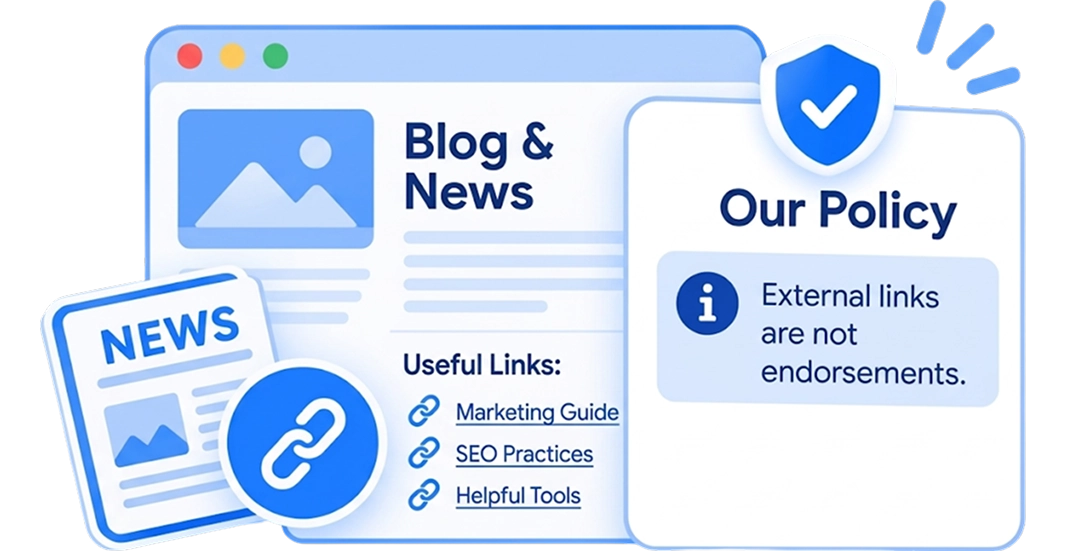
You link to sources and further reading. Your policy says those links aren't endorsements.
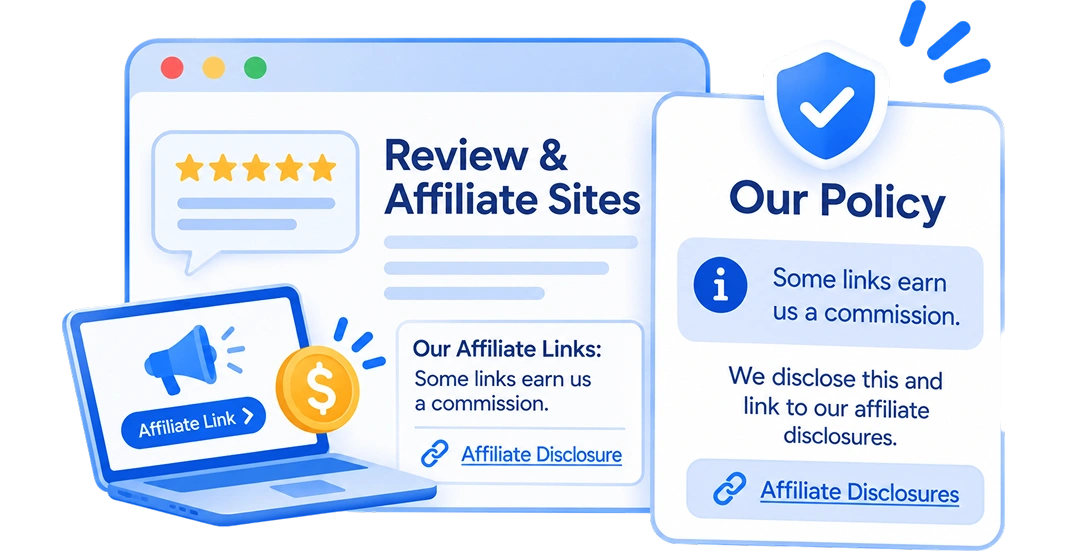
Some links earn you a commission. Your policy says so, and links to your affiliate disclosures.
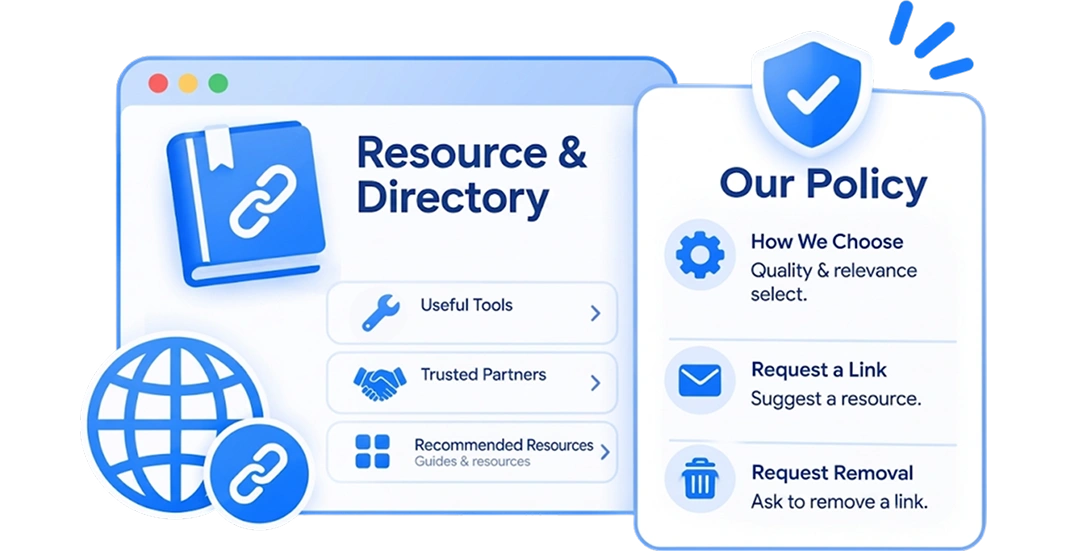
You list tools, suppliers or partners. Your policy explains how you choose links, and how to ask for one to be added or removed.
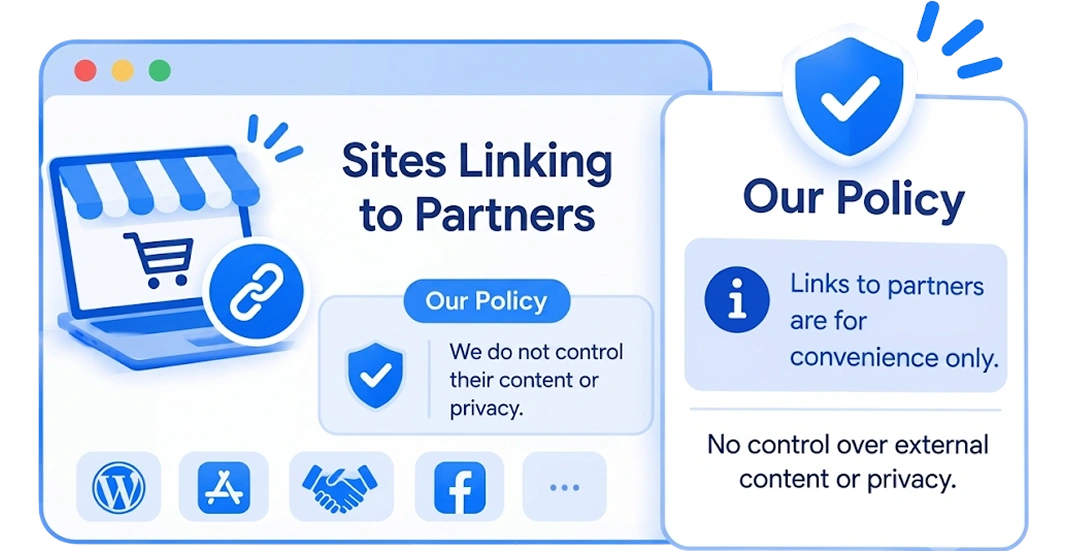
You link to suppliers, apps or social profiles. Your policy says you don't control their content or privacy practices.
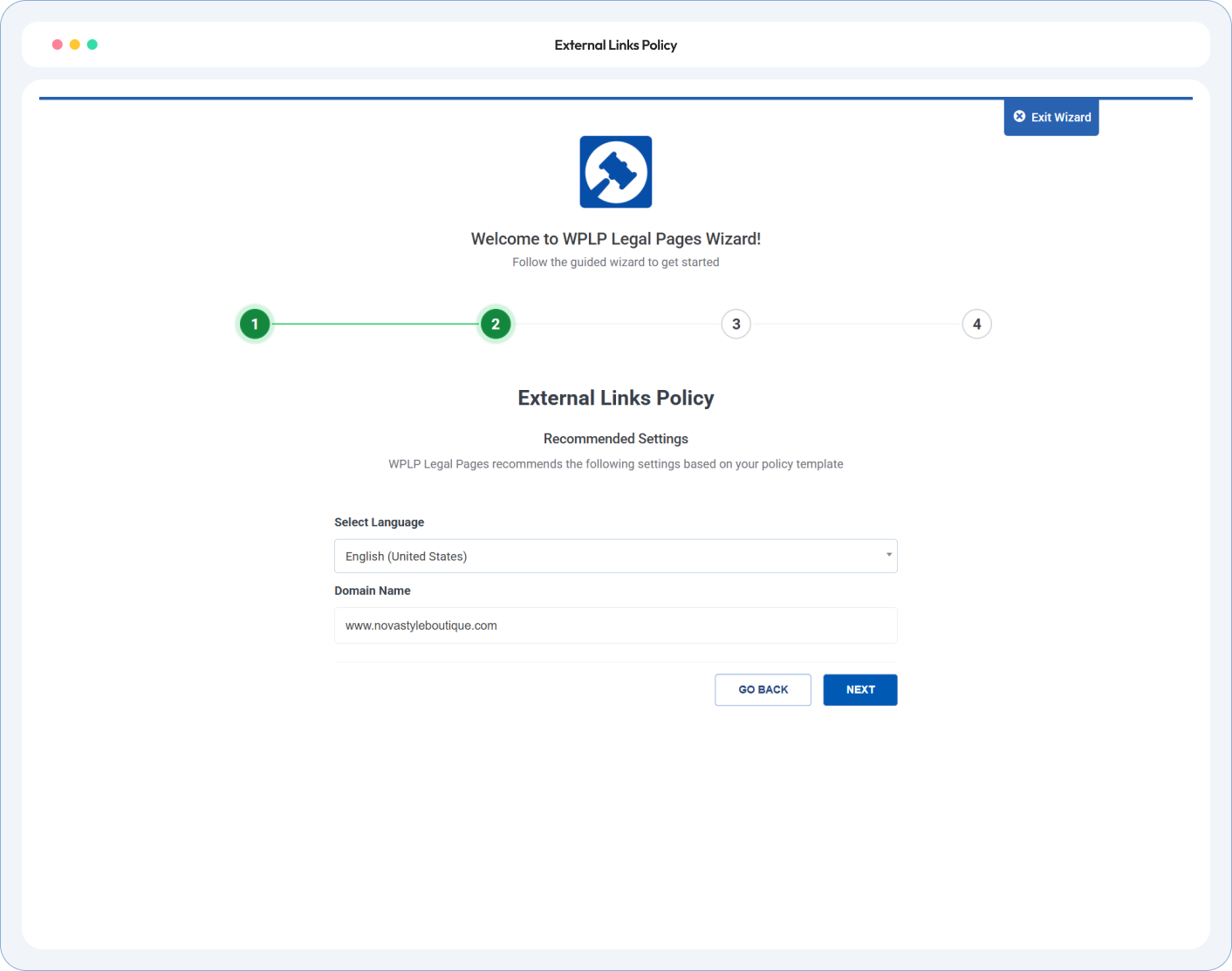
Tell the generator about your links. Review the text. Publish.
Choose what the policy covers: links to other websites, links to your website, or both. Then say whether you use affiliate or sponsored links.
Read the policy before it goes live. Add the link standards you actually follow, and choose whether you accept requests to add links.
One click and the policy is live. Link it in your footer, and near pages with many outbound links, such as resource lists.
Your business name, your link standards, your affiliate links. Sections you don’t need are removed, so visitors see only what’s true for your site.
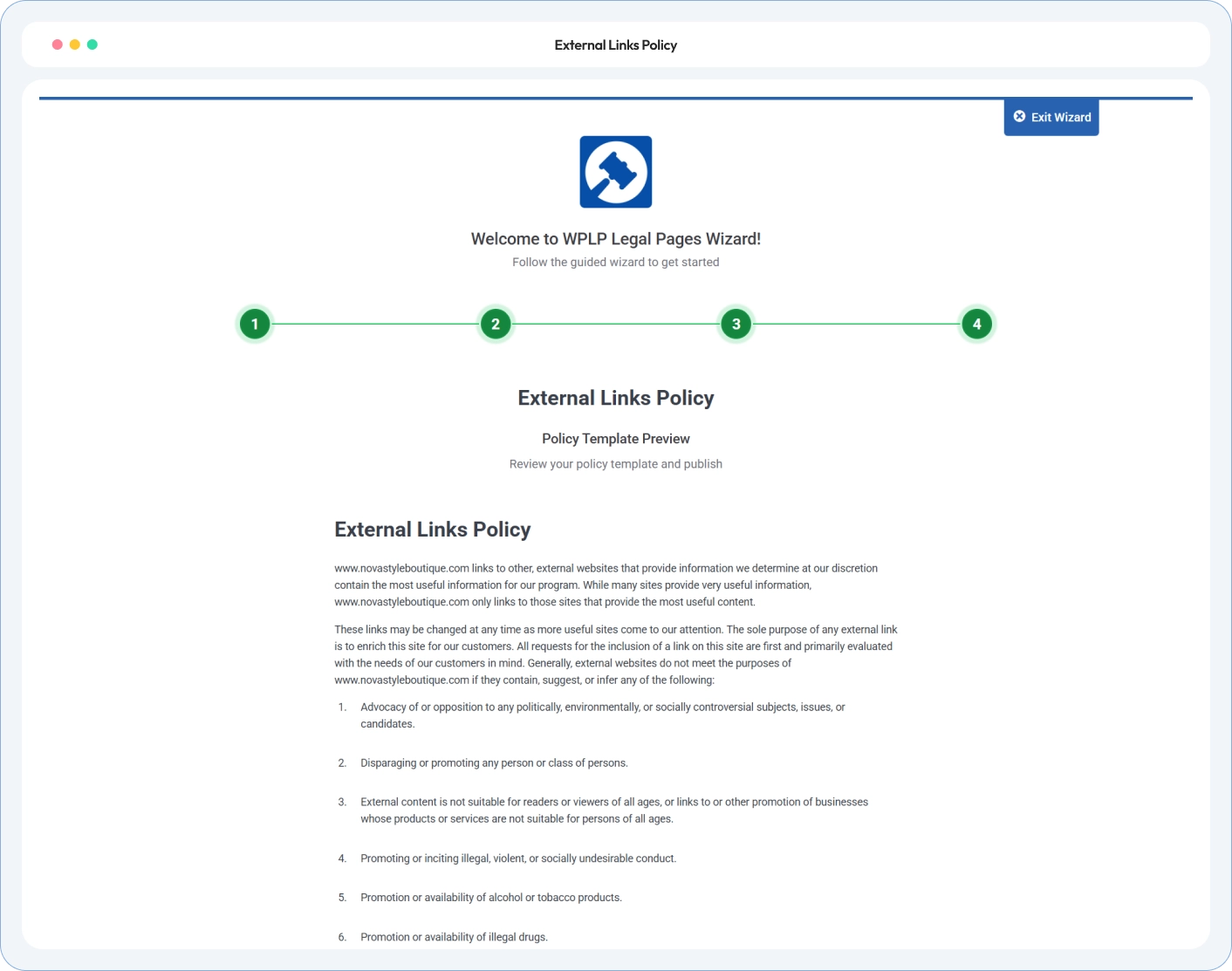
• Policy Preview •
A sample policy with every section on. Yours shows only what your site needs.
4.7/5 on WordPress.org • Based on 20,000+ active WordPress installs
Site owners, agencies and developers on how WP Legal Pages handles their legal pages.
Link it in your footer with your other legal pages. Also link it from pages with many outbound links, such as resource lists and tool directories.
No. It limits your responsibility for other websites only “to the extent permitted by law”. It doesn’t cover content on your own site.
No. It explains that some links earn you money and links to your affiliate disclosures. You also need a short disclosure next to the affiliate links themselves.
A linking policy covers links to your website from other sites. An external links policy covers links from your website to other sites. Choose “Links Policy” in the wizard to publish both on one page.
The Linking Policy section sets guidelines for people who link to you. It isn’t a contract with them. If you need to stop a harmful link, for example one that uses your trademark to mislead, get legal advice.
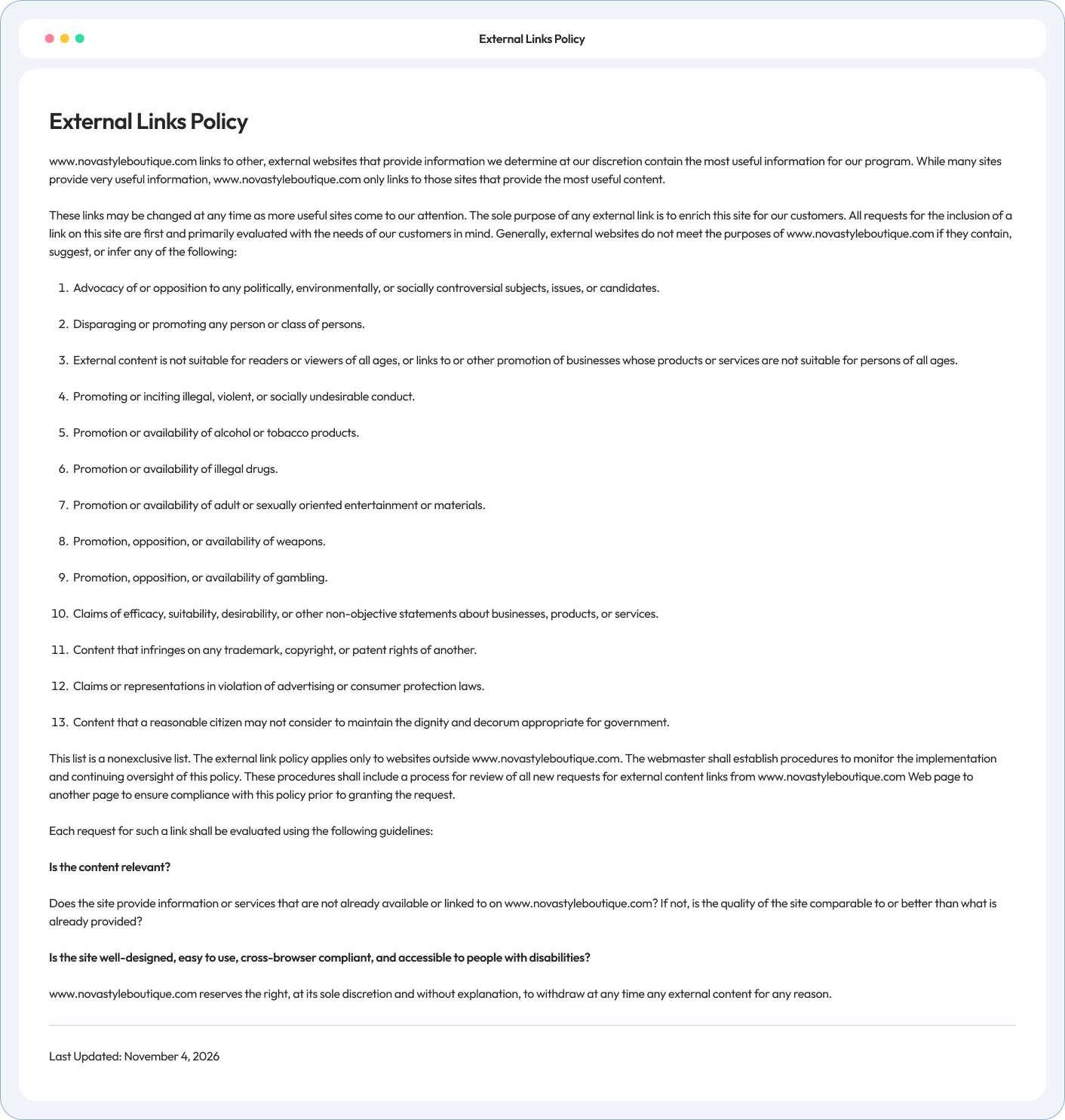
The old text was written for a government website and banned links to many normal businesses, such as any site that makes product claims. The new text explains your links in plain words, adds affiliate links and privacy, and makes link standards optional.
Run our free compliance audit in 60 seconds without installing anything.
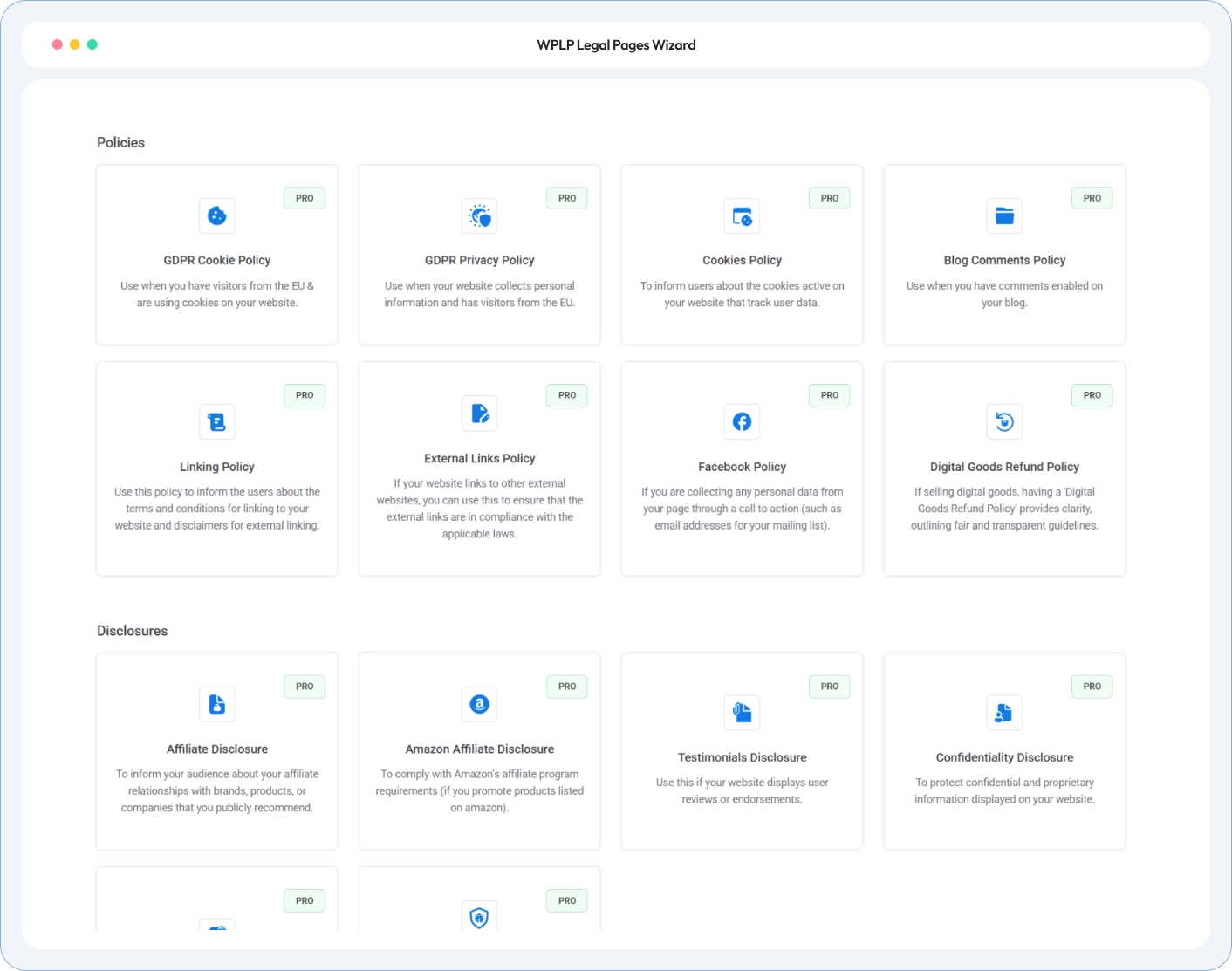
Your external links policy points visitors to other legal pages. WP Legal Pages generates those too.
Sets guidelines for people who link to your website: link text, logos and framing.
Explains how you handle visitors' data on your own site. Your policy links to it.
Explains how you earn from affiliate and sponsored links. Your policy links to it.
Answer a few questions about your links. Publish one page that covers endorsements, affiliate links, other websites and link requests.