

• California Privacy Rights Policy Generator •

Visitors From California? Tell Them What Rights They Have.

Use the California privacy right policy generator to create a full CCPA notice, or a short California Privacy Rights page if the CCPA doesn’t apply to you. Answer a few questions, and publish it to WordPress in one click.

Google Certified CMP Badge
IAB CMP Logo

• The Basics •

What Is a California Privacy notice?

A cCalifornia privacy right policy tells California residents what personal information you collect, why you use it, who you share it with, and how they can use their rights.

Most of these rights come from the California Consumer Privacy Act, as amended by the California Privacy Right Act (CCPA). Residents can ask to know, access, delete and correct their data, and opt out of its sale or sharing.

Smaller businesses aren’t covered by the CCPA. Two other California laws can still apply to them: “Shine the Light”, about sharing data for direct marketing, and the law that lets minors remove content they posted.

• Do You Need One? •

Full CCPA Notice or Short California Privacy Rights Page

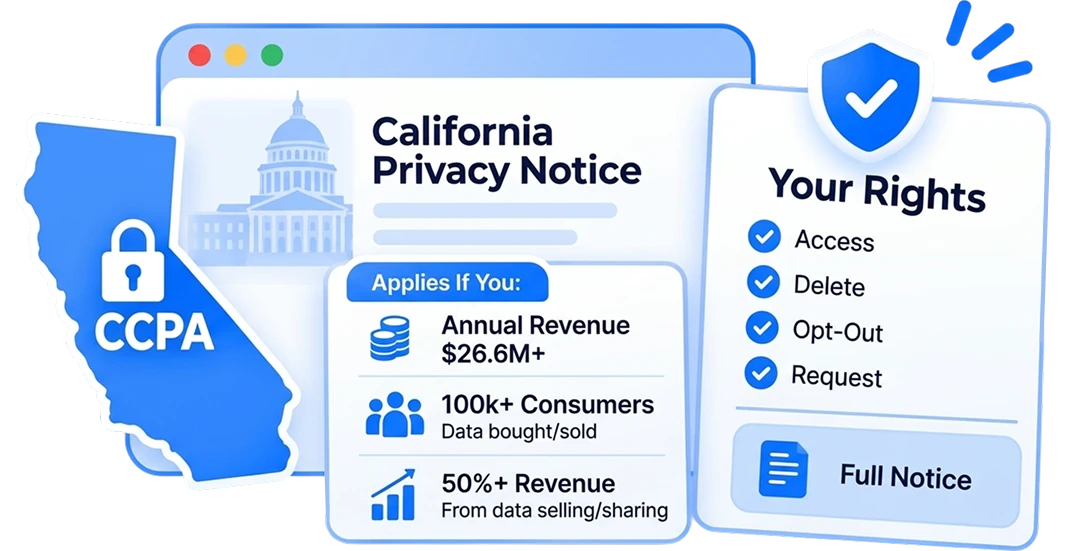
  • Annual gross revenue above $26,625,000 (the figure from 1 January 2025)
  • Buy, sell or share the personal information of 100,000 or more California consumers or households a year.
  • Earn 50% or more of annual revenue from selling or sharing personal information. Label: Full notice, with right, request handling and opt-out pages.

California Privacy Notice (CCPA)

For for-profit businesses that do business in California and meet at least 1 of these:

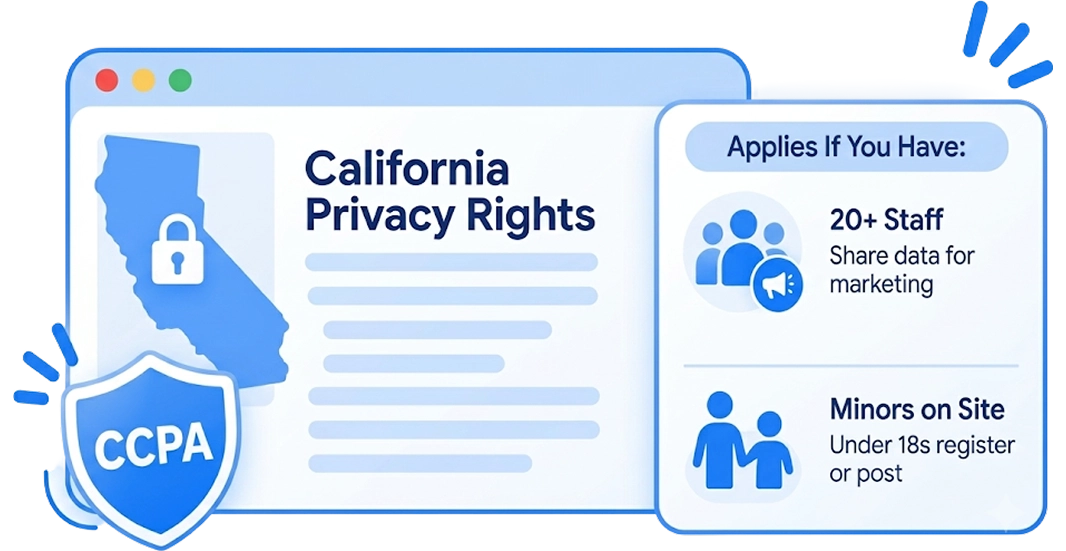
  • You have 20 or more employees, and share customers’ personal information with other businesses for their own direct marketing (“Shine the light”)
  • Your site is directed to minors, or you know people under 18 register and post content on it. Label: short page with only the sections that apply.

California Privacy Rights Page

For businesses below the CCPA thresholds, if at least 1 of these is true:

• How It Works •

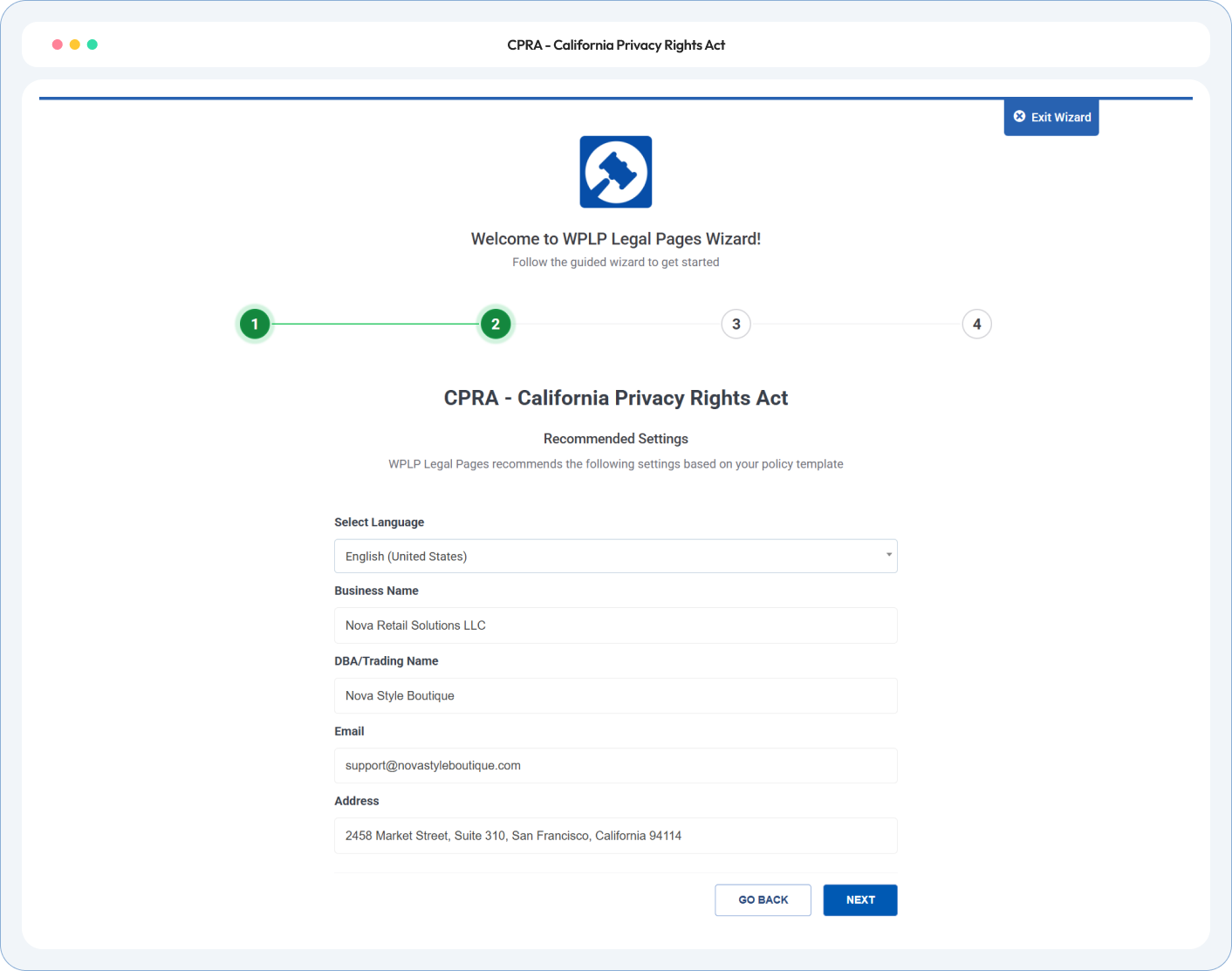
Create your california privacy notice in three simple steps

Tell the generator about your business. review the notice. Publish.

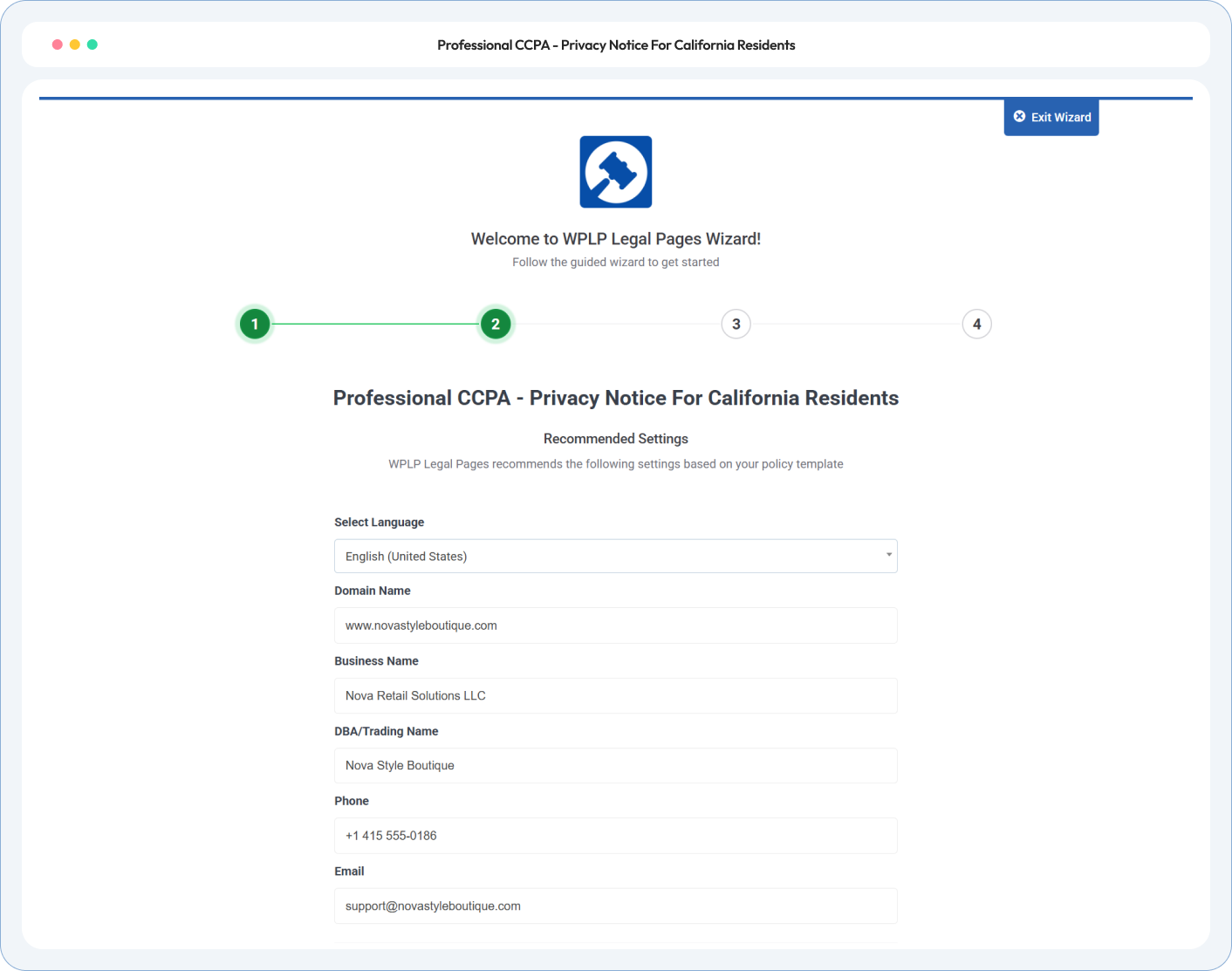
Tell Us About Your Business

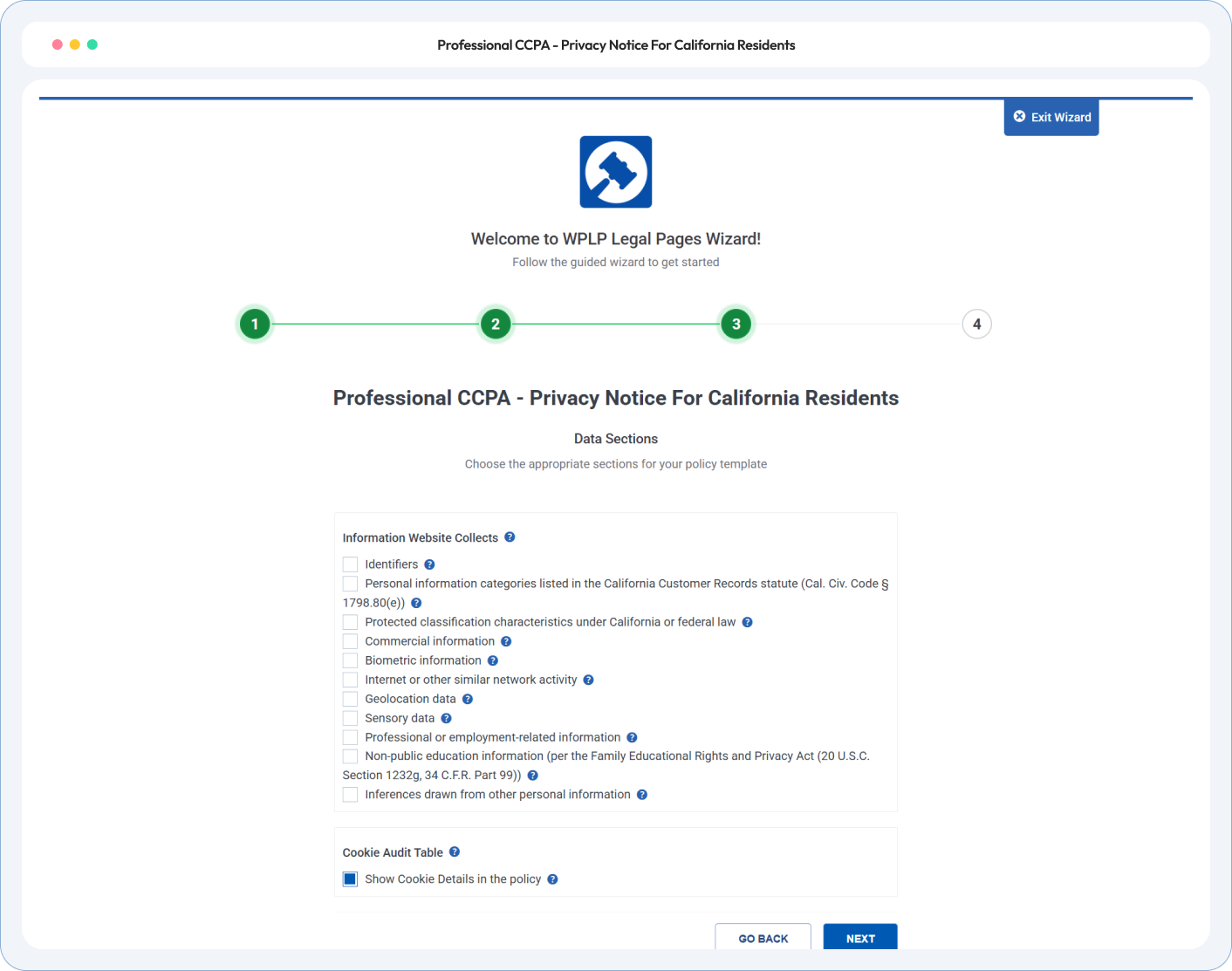
Answer whether the CCPA applies to you. Then choose the personal information you collect, where it comes from, and whether you sell it or share it.

Review and Adjust

Read the notice before it goes live. Add how long you keep each category, how people make requests, and any extra notices you need, such as an opt-out page.

Publish to WordPress

One click and the notice is live. Link it from your Privacy Policy and footer, and show the notice at collection next to your forms and checkout.

• California Privacy Rights Policy Generator •

Every section your california consumer privacy notice needs

Your categories, your retention periods, your request methods. Sections you don’t need are removed, and the wizard flags answers that contradict each other.

CCPA Policy Generator

The Data You Collect, Category by Category

CPRA Policy Generator

Every Right Under the CCPA, as Amended by the CPRA

Do Not Sell Or Share

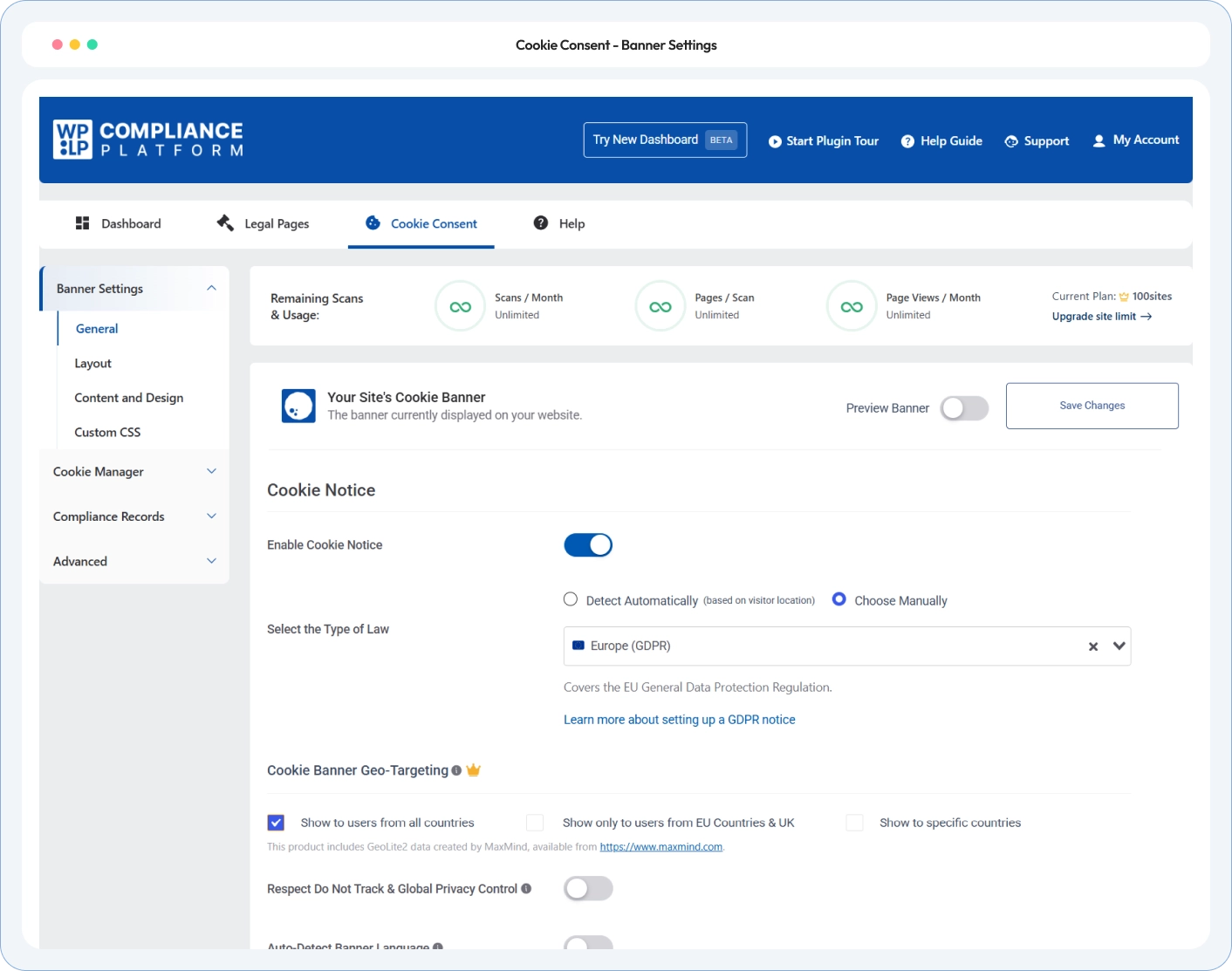
Opt-Out Pages and Global Privacy Control

California Privacy Policy Template

Extra Notices for Larger and Specialist Businesses

• Policy Preview •

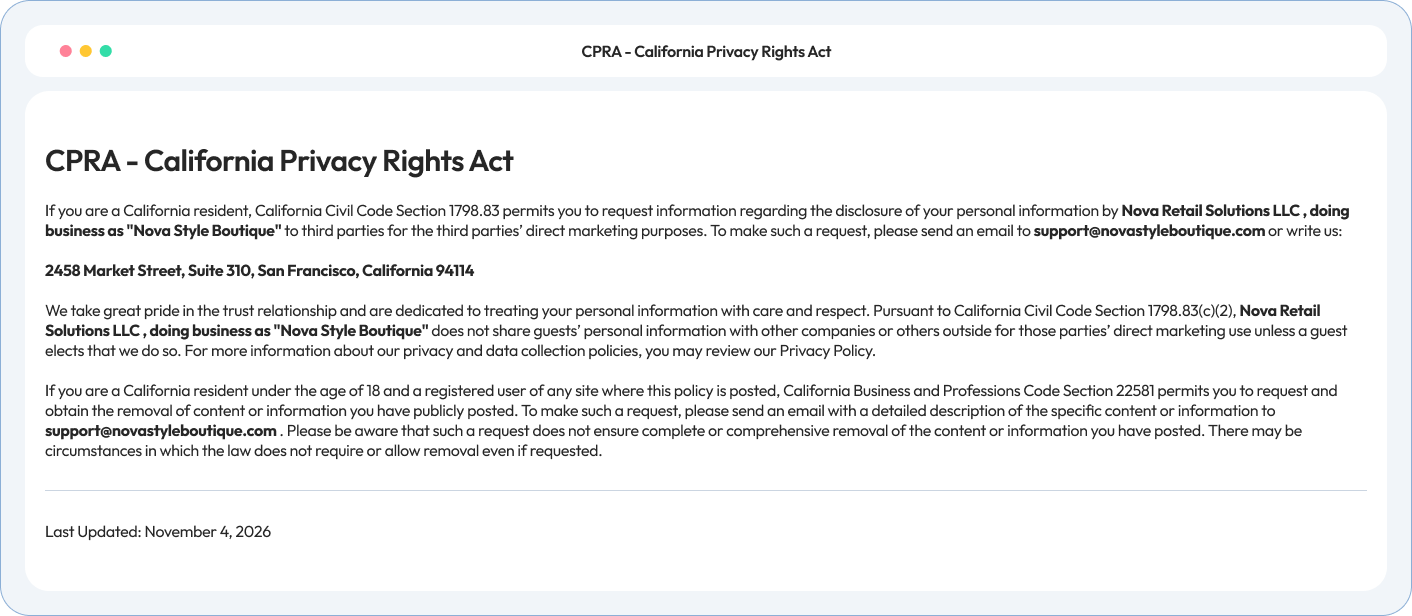
How your california privacy notice will look

A sample full notice for a fictional online store that uses advertising cookies. Your shows only what your business needs.

• Testimonials & Reviews •

Feedback From the WordPress Community

4.7/5 on WordPress.org • Based on 20,000+ active WordPress installs

What our customers are saying

Site owners, agencies and developers on how WP Legal Pages handles their legal pages.

• Have Questions •

California Rights FAQs

It applies to for-profit businesses that do business in California and meet at least 1 test: annual gross revenue above $26,625,000, buying, selling or sharing the personal information of 100,000 or more California consumers or households a year, or earning 50% or more of revenue from selling or sharing it. The revenue figure is adjusted every 2 years.

The CPRA is the California Privacy Rights Act. It amended the CCPA and added rights, such as right to correct and the right to limit use of sensitive personal information. Your notice covers the CCPA as amended by the CPRA.

Maybe. “Shine the Light” can apply if you have 20 or more employees and share customers; data for other businesses’ direct marketing. The minors’ content law can apply if your site is directed to minors or minors post on it. The short California Privacy Rights page covers both.

If you sell or share personal information, yes. Advertising cookies and some analytics cookies can count as selling or sharing. Get advice before you choose “We do not sell of share”.

If the CCPA applies to you and you sell or share personal information, yes. The notice states that you treat it as valid opt-out request for that browser or device, and that you show it was processed.

This notice adds to your Privacy Policy and links to it. If you use Pro Privacy Policy, both documents use the same wizard answers, so they don’t contradict each other.

At least once every 12 months. The wizard reminds you after 11 months.

Check Your Compliance Score

Run our free compliance audit in 60 seconds without installing anything.

• Know More •

Pages your California notice works with

Your California notice links to other legal pages. WP Legal Pages generates those too.

CCPA Policy

Explains how you earn when readers buy health products through your links.

Privacy Policy Generator

Your California notice adds to your Privacy Policy. Publish both so they match.

employee and applicant privacy notice

Needed if you have employees, job applicants or contrctors in California. Your notice links to it.

Publish Your California Privacy Notice Before Your Next California Order

Answer a few questions about the data you collect. Publish the full CCPA notice, or a short California Privacy Rights page if that’s all you need.