


Generate one disclosure page for your affiliate links, Amazon links, sponsored posts, ads and reviews. Answer a few questions about how your site makes money, and publish it to WordPress in one click.
An affiliate disclosure tells visitors that you may earn money when they click a link, buy a product or read a post on your site.
That covers more than affiliate links. If a brand paid you for a post, sent you a free product, runs ads on your pages or rewarded a customer for a review, your visitors have a right to know.
Why? Because it changes how much weight they give your recommendation. A “best running shoes” list reads differently when each link pays you a commission.
• Do You Need One? •
You link to products and earn a commission when someone buys. Amazon, ShareASale , Impact or a brand's own program.
You show customer reviews, especially ones that mention results like savings, income or weight loss.
A company paid you, or sent you something for free, to write about it or feature it.
You run Google AdSense or another ad network on your pages.
Tell the generator how your site earns. Review the text. Publish.
Tick affiliate links, sponsored posts, ads or reviews. Add your Amazon store, your ad networks and how you collect reviews. Your business name and contact details come from your business profile, so you type them once.
Read the page before it goes live. Edit the short note that sits at the top of affiliate posts. Choose how you mark single links: an asterisk, "affiliate" or "(ad)".
One click and the page is live. Then drop the short disclosure into your posts with a block or shortcode, right where visitors see it.
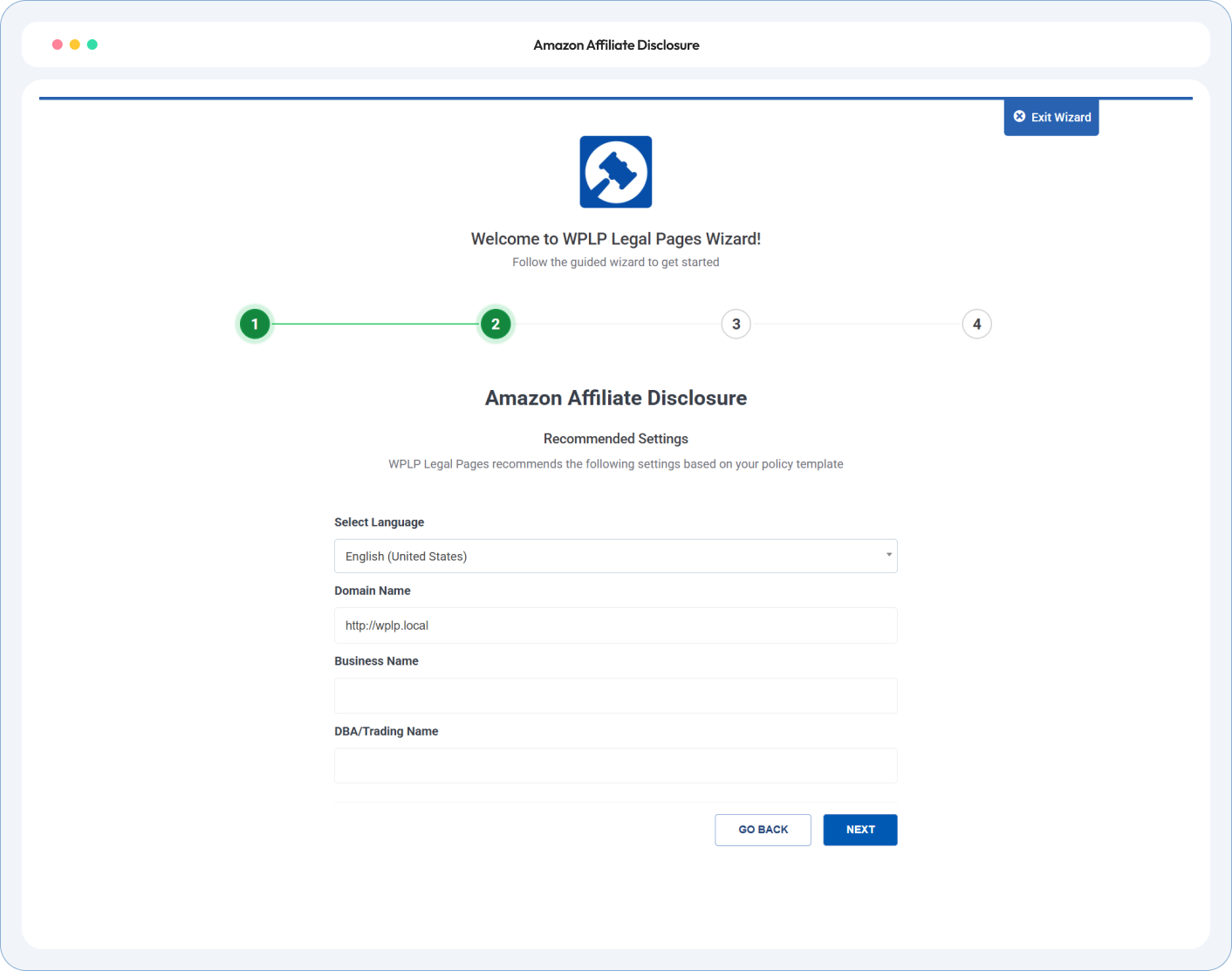
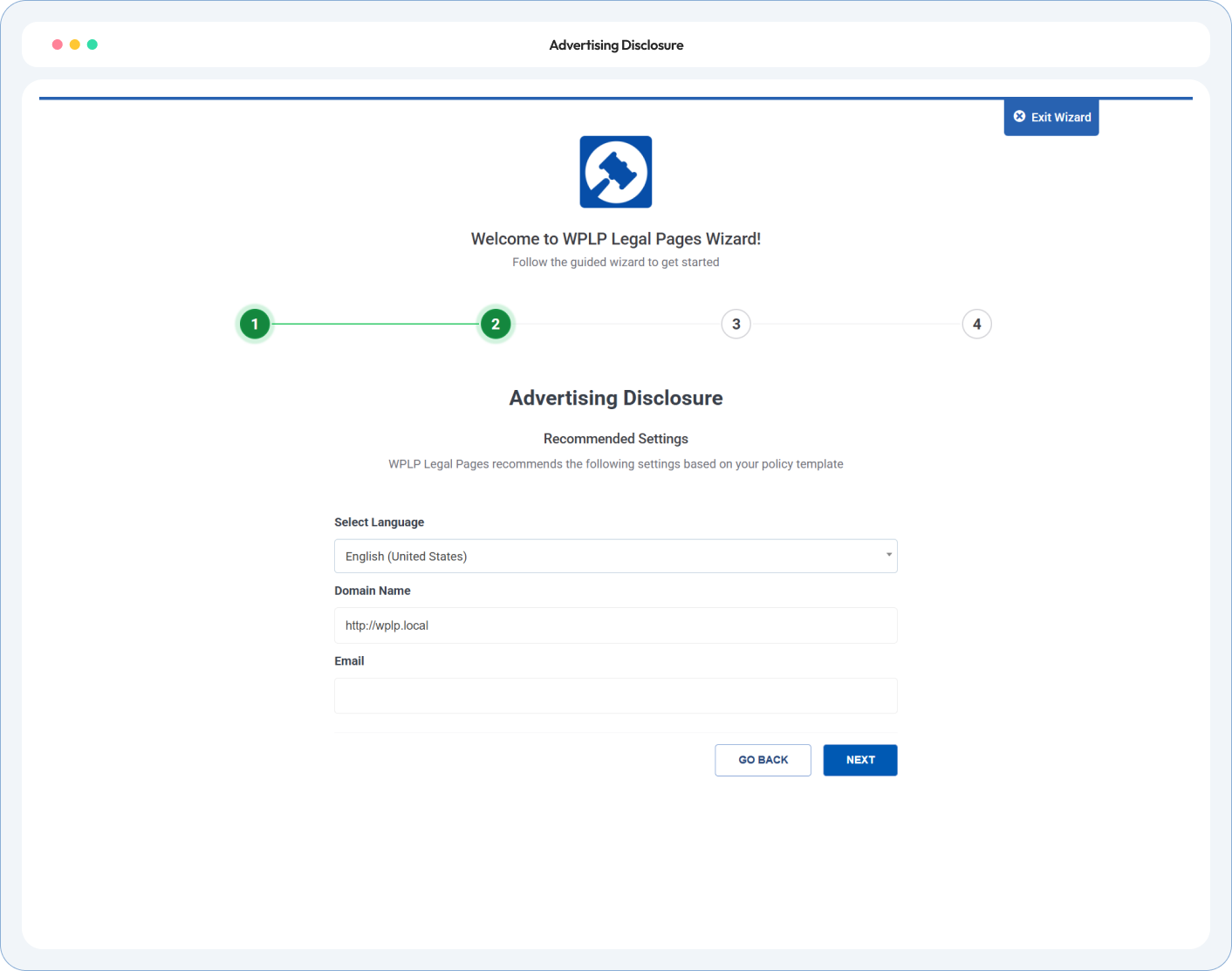
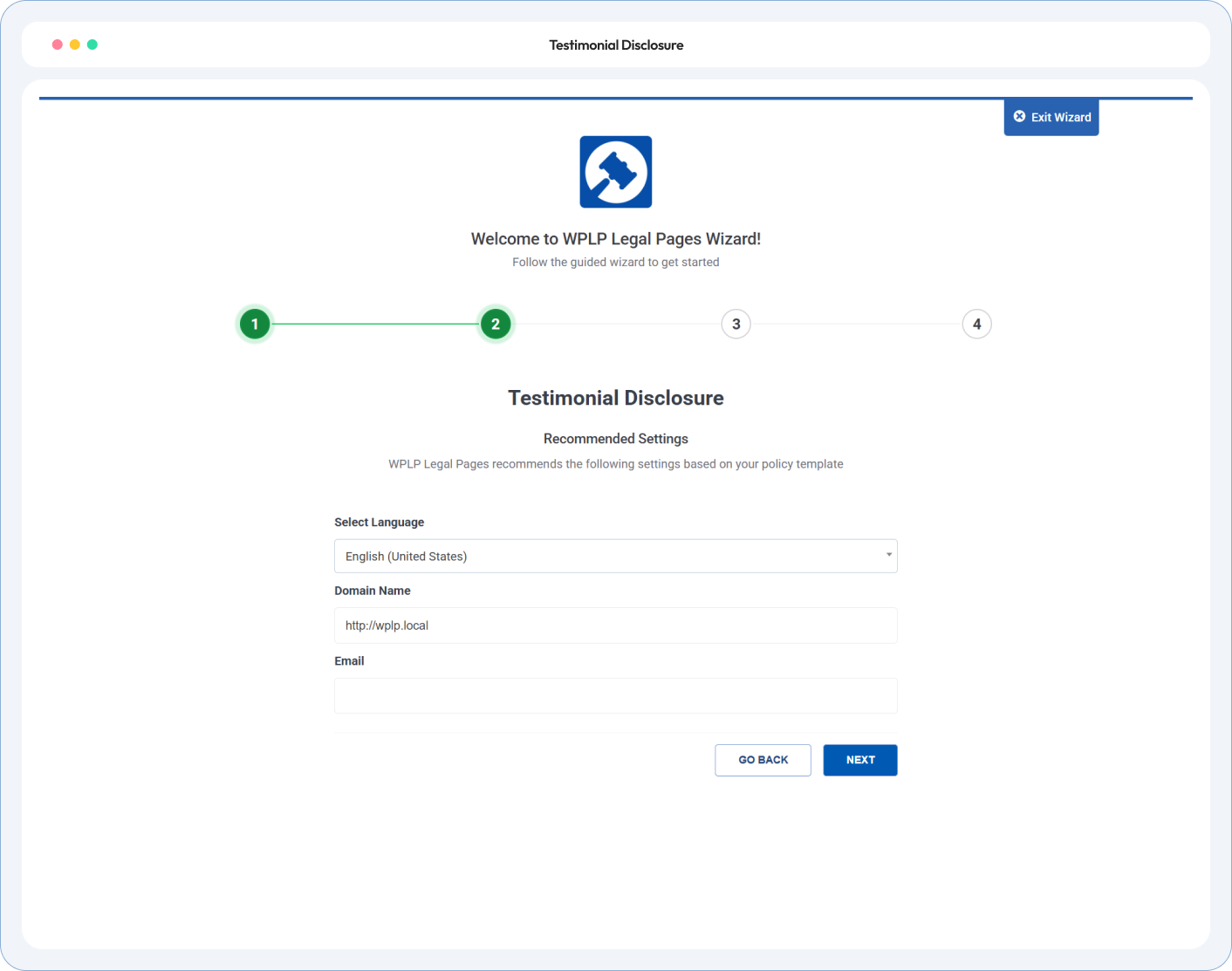
Turn on only the sections your site needs. Want a single-purpose page? Start from Affiliate Disclosure, Amazon Affiliate Disclosure, Advertising Disclosure or Testimonials Disclosure, and the page gets that title.
• Policy Preview •
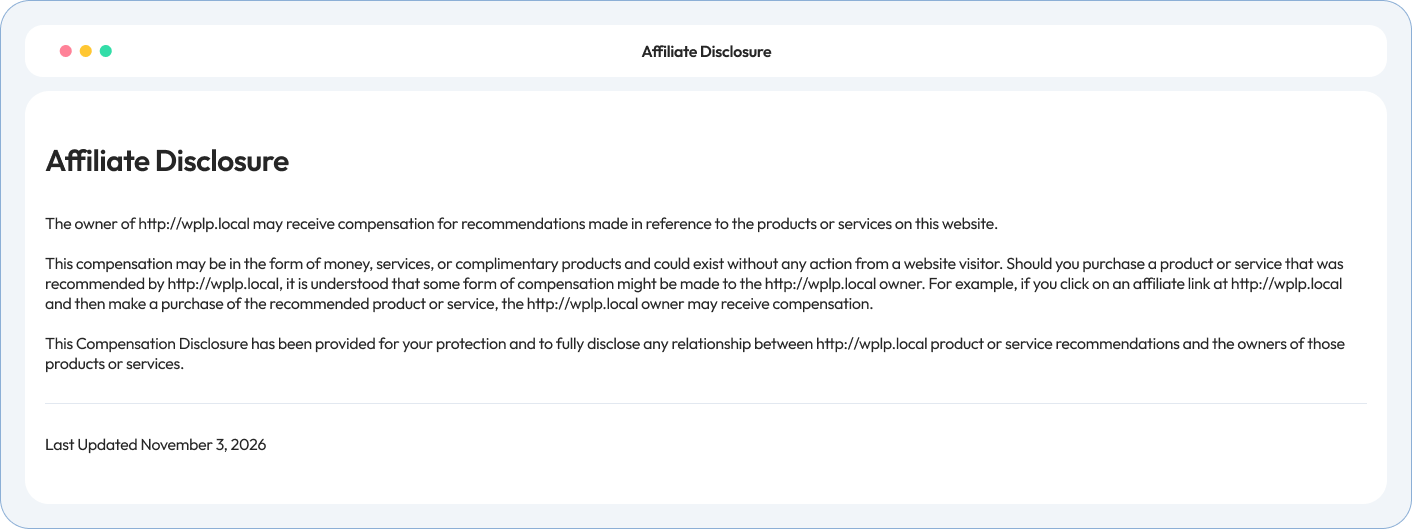
Below is a preview of what your affiliate disclosure will look like when you generate it using WP Compliance
4.7/5 on WordPress.org • Based on 20,000+ active WordPress installs
Site owners, agencies and developers on how WP Legal Pages handles their legal pages.
In 2 places. Put a short note near the top of each post or page with affiliate links. Then link to the full disclosure page, usually from your footer. The FTC expects visitors to see the disclosure before they click.
No. The footer page gives the full picture. Visitors also need a short disclosure near the link itself. The generator writes both.
Amazon requires this line: “As an Amazon Associate, I/we earn from qualifying purchases.” The generator adds it word for word, with your choice of “I” or “we”. Show it near your Amazon links too.
Yes. Start from Amazon Affiliate Disclosure or Testimonials Disclosure and the page gets that title. Add a second section later and the generator offers to rename the page “Affiliate and Advertising Disclosures”.
Not on its own if the results aren’t typical. Say what customers can generally expect, or have proof the results are typical. The generator asks for one or the other.
For personalised ads to visitors in the EU, UK or Switzerland, yes. You need consent first, and Google requires a certified consent tool for AdSense in these regions. WPLP Cookie Consent is one. The generator warns you if it finds no consent tool.
Yes. A free product is something of value. The generator gives sponsored content and free products their own section, with a sample line like “We got this product for free from [Company]”.
Every paid plan: Professional, Business and Agency. See all plans on the pricing page.
Run our free compliance audit in 60 seconds without installing anything.
Your linking policy points visitors to other legal pages. WP Legal Pages generates those too.
Asks EU, UK and Swiss visitors for consent before personalised ads load.
Explains what data your ad networks and affiliate tools collect.
For testimonials that mention income or health results.
Pick what your site has. Answer a few questions. Publish one page that covers your affiliate links, sponsors, ads and reviews, plus a short note for every post.